Text Metadata Builder
Simplify the process of creating textual metadata for your app with Text Metadata Builder.
Text Metadata Builder speeds up the process of preparing metadata for the App Store and Google Play. This tool collects the most effective text metadata based on your semantic core, tells you if you missed an important search query, points out possible errors, and compares your current metadata with a new set.
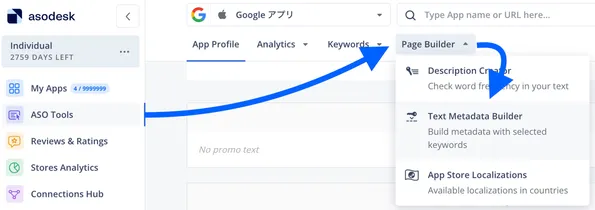
To access Text Metadata Builder, go to ASO Tools and select Page Builder → Text Metadata Builder from the top menu:
Text Metadata Builder is integrated with the Find & Track Keyword Table. The tool can:
- Work with additional localizations and translate the description into other languages.
- Apply all ASO principles for metadata in the App Store and Google Play
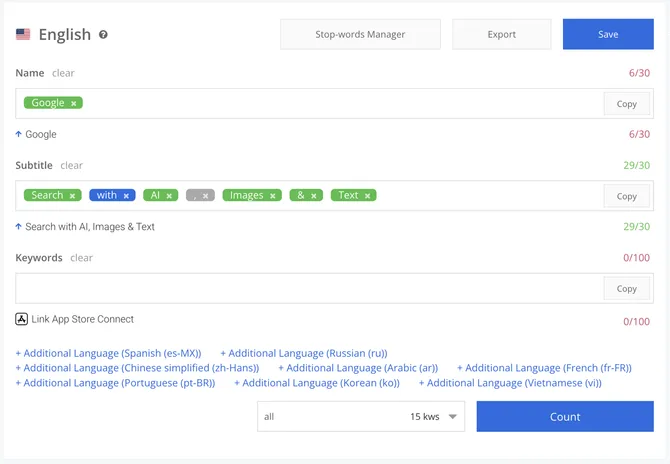
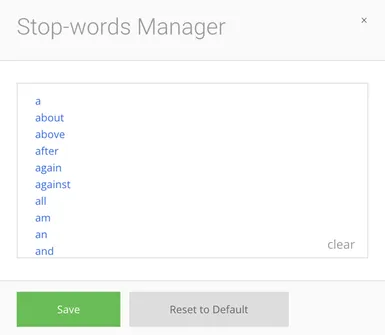
- Use the Stop-words tag to highlight keywords that should not be used in App Store metadata.
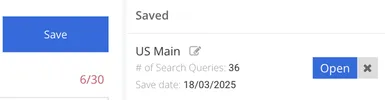
- Save metadata sets for future work.
- Show all necessary statistics for search queries: Daily Impressions, Current Rank and Total Apps.
- Translate search queries into English.
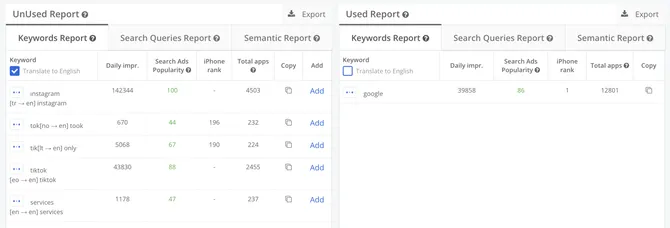
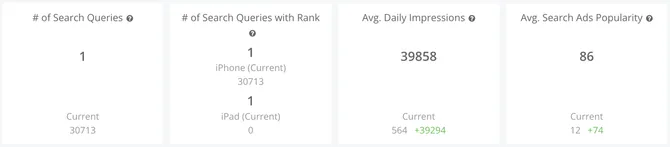
- Compare your metadata set with the current rank in Organic Report.
Need help understanding our products or services? Have a question? Let us know!
Click the support icon in the bottom right corner or write on hello@asodesk.com