Find & Track: Keyword Ranking Chart
Track your app's daily keyword rankings and quickly access the top apps for a specific keyword in Keyword Ranking Chart.
Keyword Ranking Chart is very useful for analyzing your ASO strategy’s effectiveness.
By selecting keywords in the Keyword table, you can view a graphical representation of the keyword ranking history for your app.
You can customize the period you are interested in or choose from the suggested ones. The data for the last 30 days is shown by default.
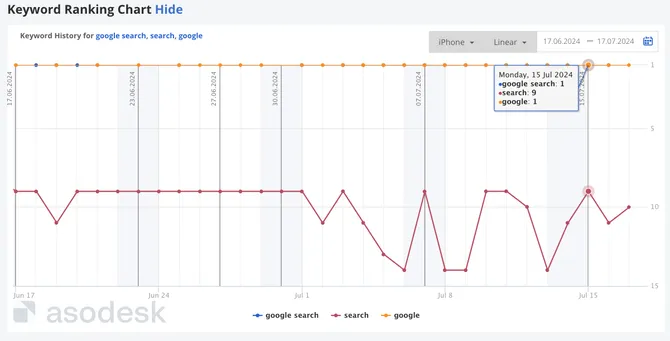
When you select a single keyword, you will be presented with the top search results. From there, you have several options:
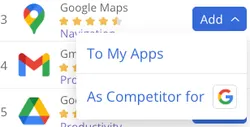
Add an application to My Apps or as a competitor:
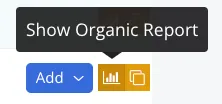
Go to Organic Report of an application:
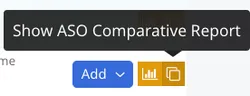
Go to ASO Comparative Report of an application:
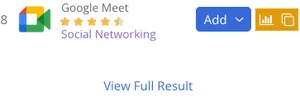
By clicking on ‘View full result,’ you will be directed to the Live Positions tool.
See more articles on Find & Track features:
Need help understanding our products or services? Have a question? Let us know!
Click the support icon in the bottom right corner or write on hello@asodesk.com