Featured Reviews
Explore all featured app reviews in 100 countries on one page.
Featured reviews are shown on the app page on both the App Store and Google Play. This lets users read and check these reviews as they think about whether to download the app. We highly recommend answering these reviews.
This is how featured reviews look like in app stores:
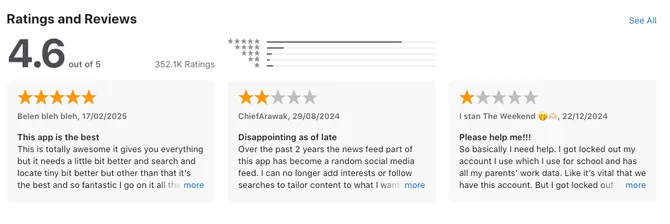 App Store
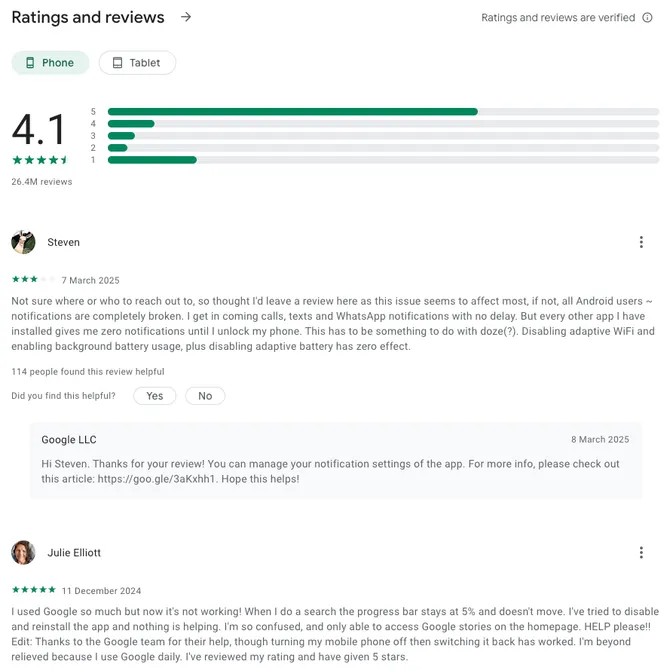 Google Play Store
To access Featured Reviews in Asodesk, go to Reviews & Ratings and select Analytics → Featured Reviews from the top menu:
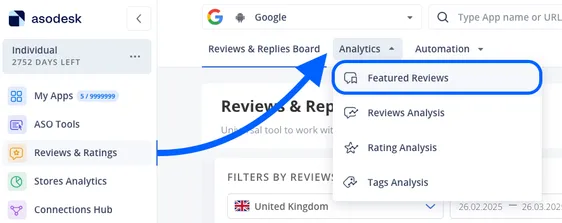
By default, the page shows reviews for all countries.
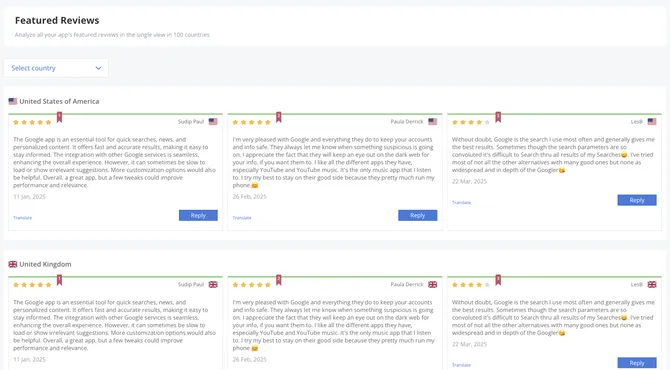
You can select any country using the dropdown menu.
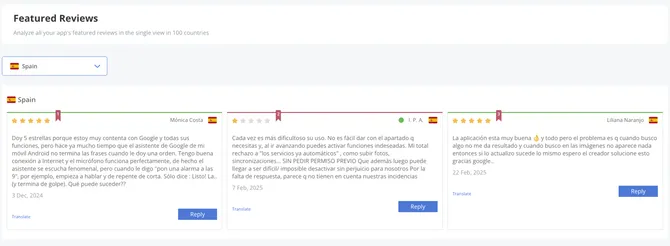
You can also go to a translation of a review from this page, or you can go to the Reviews & Replies Board to work on a review there.
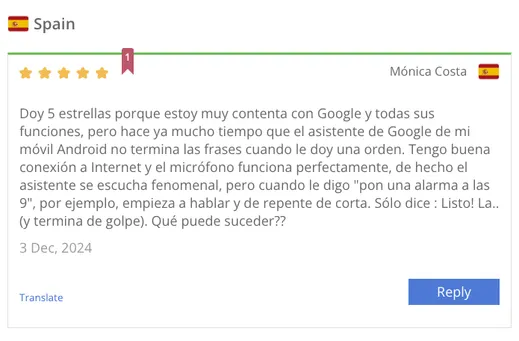
How often are Featured Reviews updated?
App stores don’t reveal the criteria for selecting featured reviews on an app’s page, and the update frequency varies widely. For major apps like Google, the same featured reviews can remain visible for years, while for newer apps, they may refresh daily. There’s no clear connection between factors like the total number of app ratings or how many likes a review gets that determines how often featured reviews change.
We usually update the information about featured reviews every 24 hours.
Need help understanding our products or services? Have a question? Let us know!
Click the support icon in the bottom right corner or write on hello@asodesk.com