
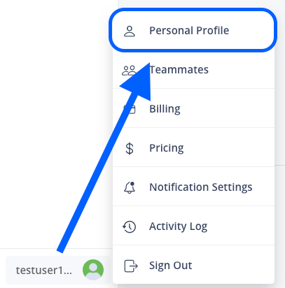
To access your Profile settings, click on the icon at the bottom left corner and select Personal Profile:
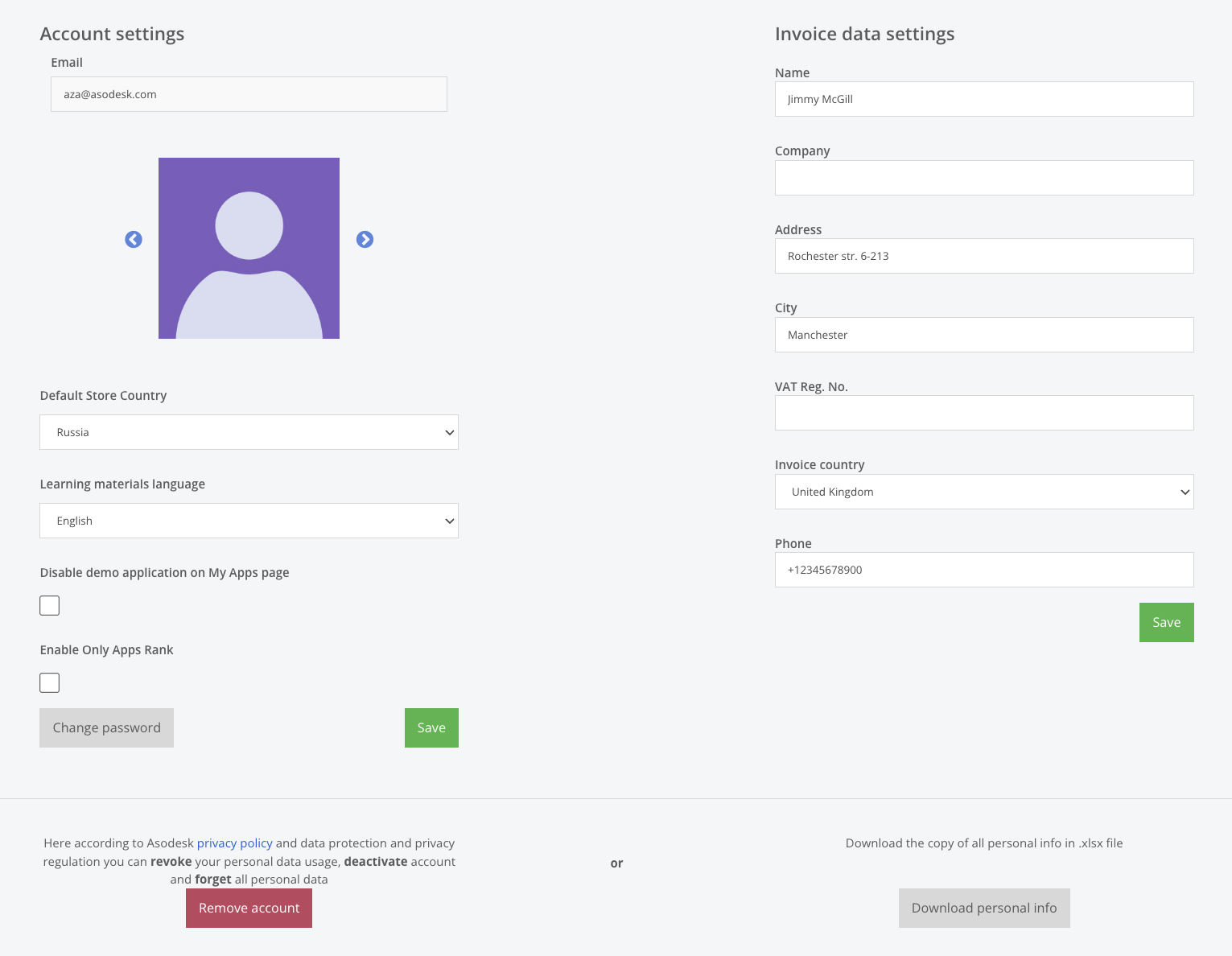
In the Profile settings, you can:
- Edit your Invoice data.
To ensure that your invoices contain the correct information, we kindly recommend that you fill in all the information about you and your company.
- Change the Default Store Country. This is the country selected when you open Asodesk.
- Change Learning materials language.
- Disable demo application on My Apps page.
- Enable Only Apps Rank. When this option is enabled, store search results exclude in-app purchases and ads, and Rank is calculated without taking them into account.
- Change your password.
Need help understanding our products or services? Have a question? Let us know!
Click the support icon in the bottom right corner or write on hello@asodesk.com